Fence project planner
Describe the boundary you want to create
Record the site and design intent before choosing a panel layout. Do not enter confidential documents.
Your tool inputs stay in this browser unless you choose to submit an inquiry with the record attached.
Count the infill. Keep the edges explicit.
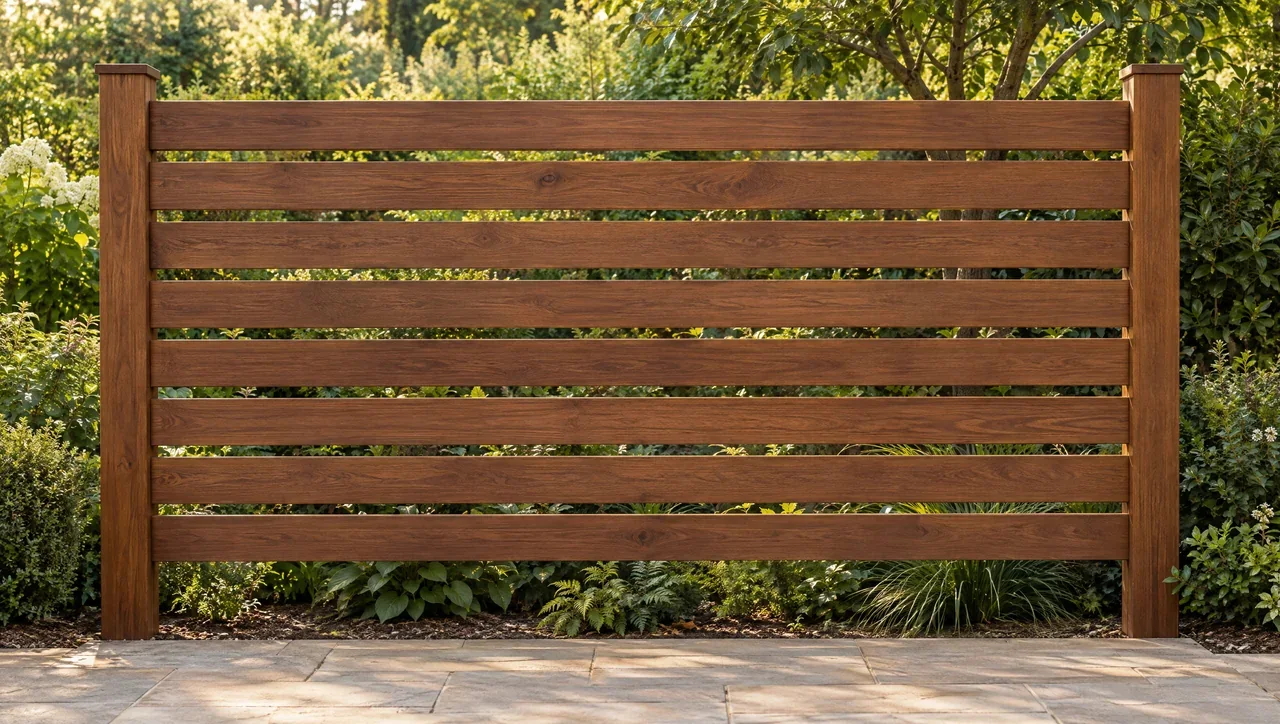 Design
Horizontal versus vertical hardwood fencing
Choose board direction by the views, openings and panel rhythm you want to manage.
Read / explore ↗DesignHardwood fence privacy: gaps, coverage and sightlines
Test real viewing angles before settling on an infill gap.
Read / explore ↗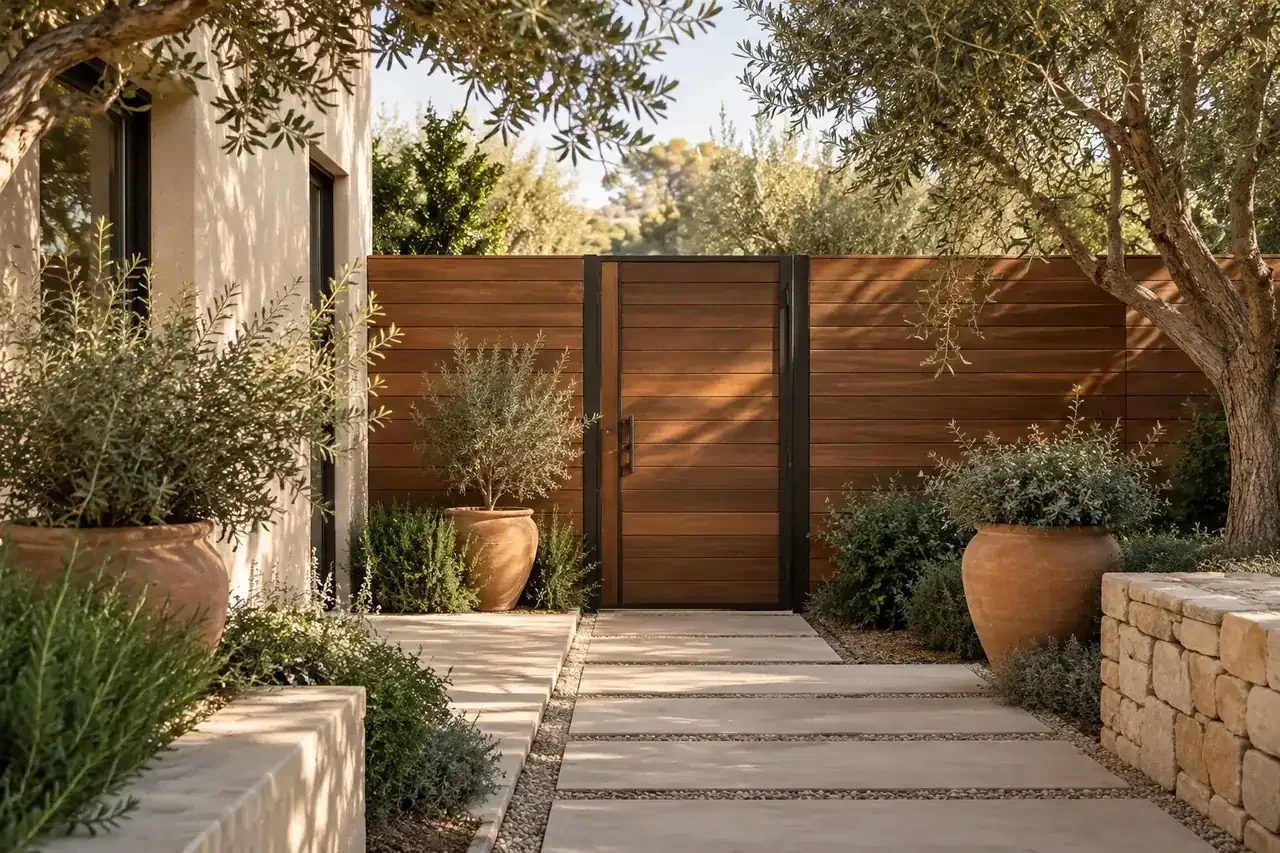 Planning
Lay out the boundary as a sequence
Turn a long boundary into named runs, openings and transition points.
Read / explore ↗Turn a fence line into separate, buildable decisions
Record each run, corner, opening and change in level before combining material quantities. The planner supports layout coordination. It does not locate a legal boundary or approve fence height, foundations, wind resistance or a gate assembly.
Distinguish the visible design from the supporting assembly
Board orientation, gap and surface choice describe the infill appearance. Keep posts, rails, connections and gate support requirements separately identifiable. A face-on coverage percentage is not a complete privacy assessment from other viewing positions.
Keep interruptions in the material record
Identify gate openings, returns, stepped or sloped runs and replacement-only sections. Record whether a length is a clear opening or a measurement between reference points. Do not apply one uninterrupted-run calculation to every condition.
Example: a gate within a long run
A fence line includes a gate opening. Exclude that opening from the ordinary fixed-infill count, then retain the gate as its own assembly and material question. The remaining boards do not establish the gate frame, hardware or support requirements.